

Vehicles
A build for every adventure.
Design / Customize / Forge
Choose the machine. Dial in the details.
Forge a one-of-one concept.
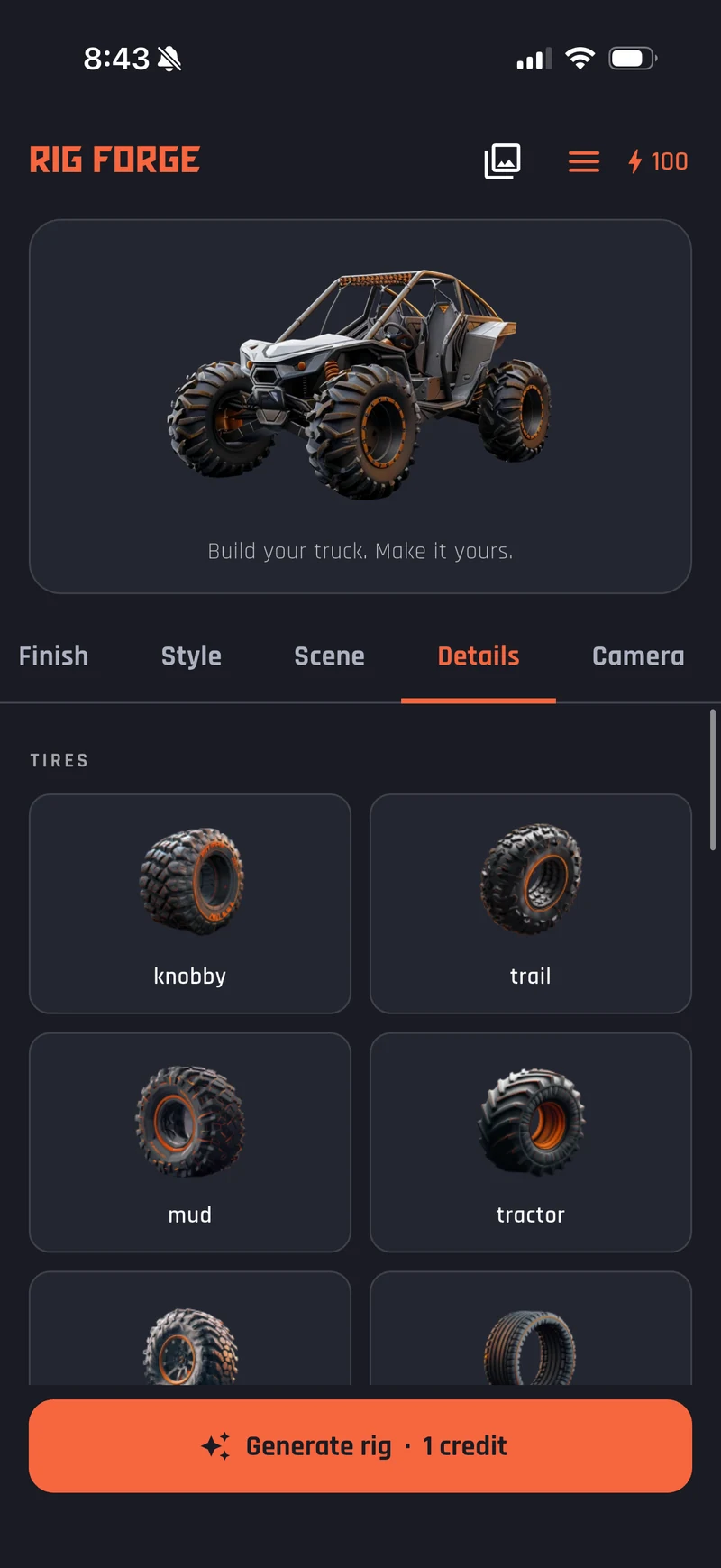
How it works
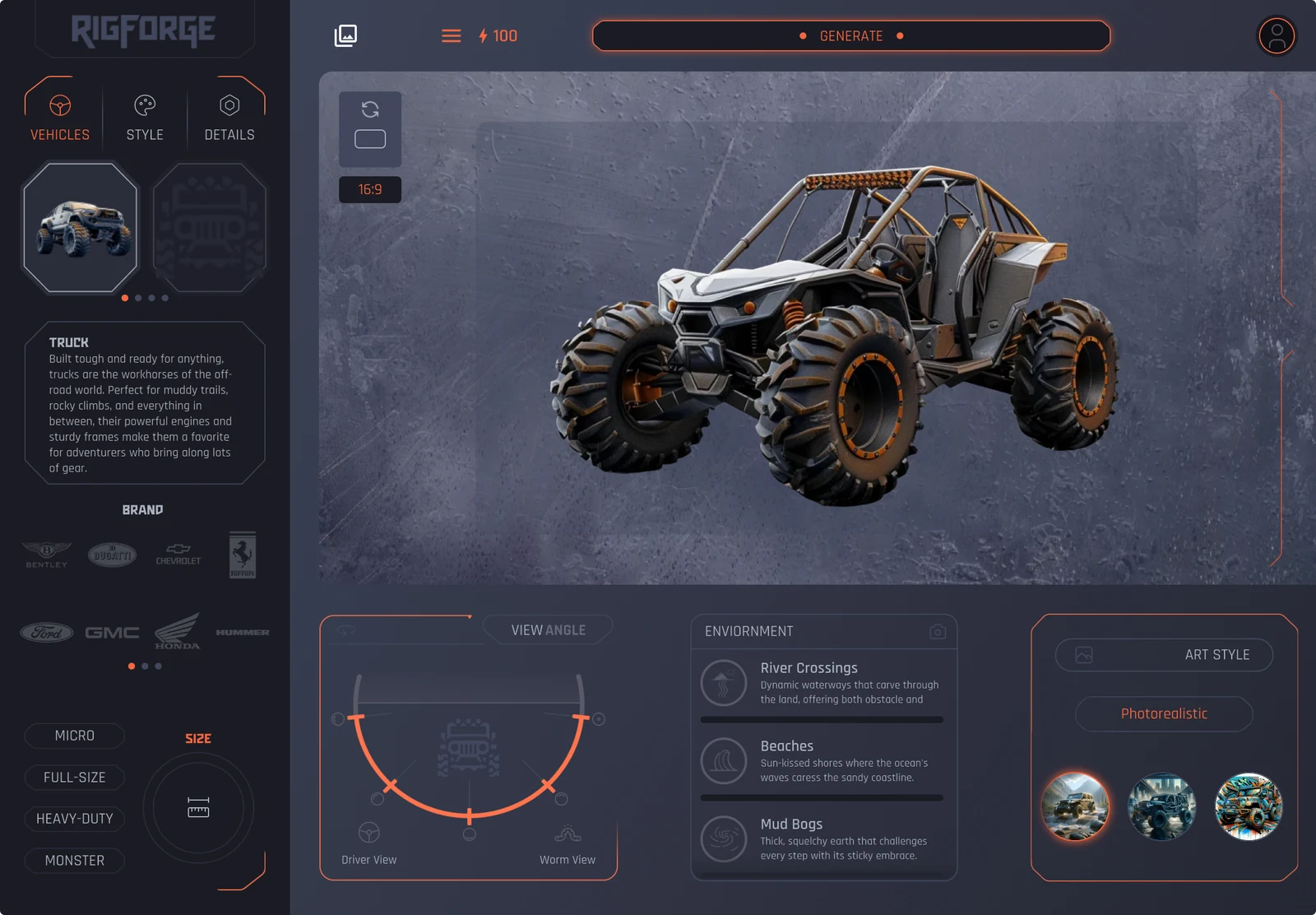
Choose the machine.
Start with your base rig.
Dial in the details.
Make it yours.
Create and save your
one-of-one concept.
Shape every angle before the first wrench turns.
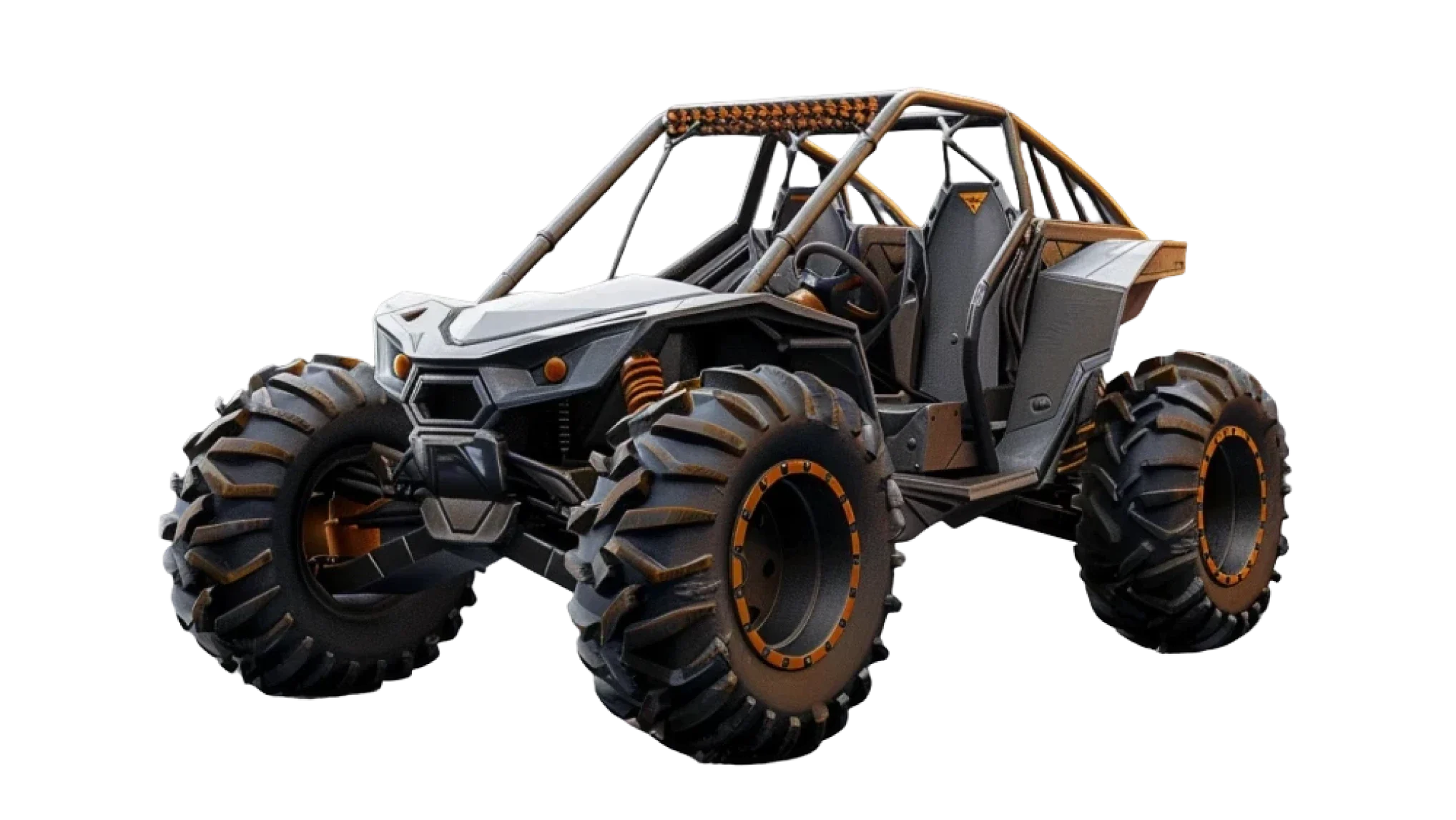
Choose from trucks, Jeeps, buggies and more.
Dial in your colors and materials.
Pick your make. Keep it real.
See your rig in different environments.
Fine-tune the parts that make it yours.
The full studio in your pocket.
A build for every adventure.
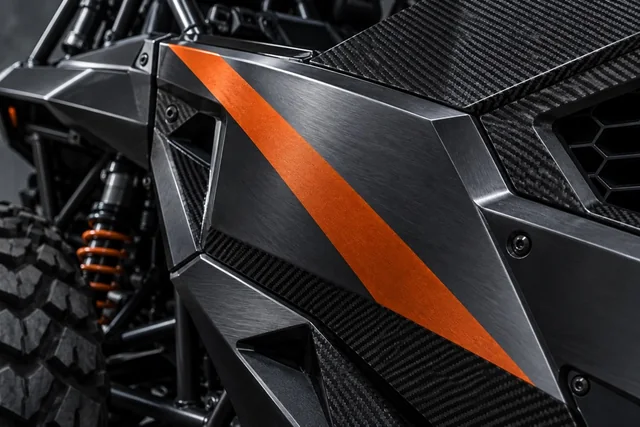
Colors, materials, finishes.
Make it look like you.
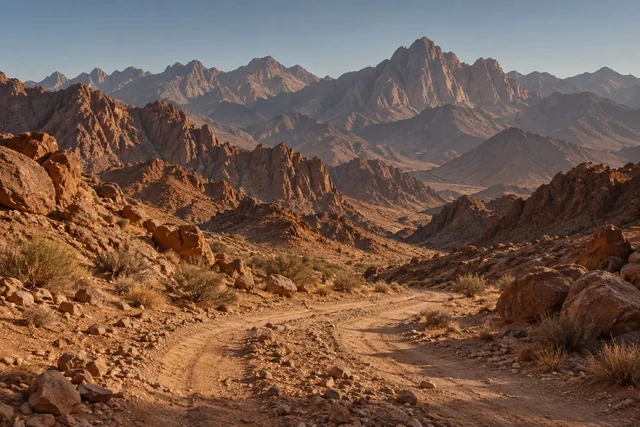
Place it in the wild.
Small parts. Big character.
Product facts
The details behind every build. Clear from the start.
Generated rigs are stored in your private account gallery.
Save favorites to Photos before cloud copies expire.
One image uses one credit; failed generations return it.
Sign out or permanently delete your account from the App.
Design / Customize / Forge
Turn the rig in your head into a concept you can see.